Alarm Triggers
Your CMS raises an activation and sends the ticket ID to OaaS via the Task Plugin. OaaS picks it up within 5 seconds — no queue, no delay, no operator needed to triage it.
OaaS uses the ticket ID to retrieve the full activation details from your CMS via the secure REST API. Nothing sensitive is sent in the trigger signal — OaaS fetches what it needs through an authenticated, encrypted connection.
Brain Decides
OaaS applies your configured decision mode — either your DAIOS (Decision & Action Intelligence Operating System) or a step-by-step Response Plan — to determine the best action. It considers the alarm type, time of day, contact availability, and prior history.
DAIOS reads the alarm context and can use custom per-plan instructions to override defaults. Response Plan mode follows a preset contact sequence you define. Both modes respect sleeping activation logic — low-priority overnight alarms can be held until the CMS wakes them or a safety ceiling fires, avoiding unnecessary engagements.
Contact Engaged
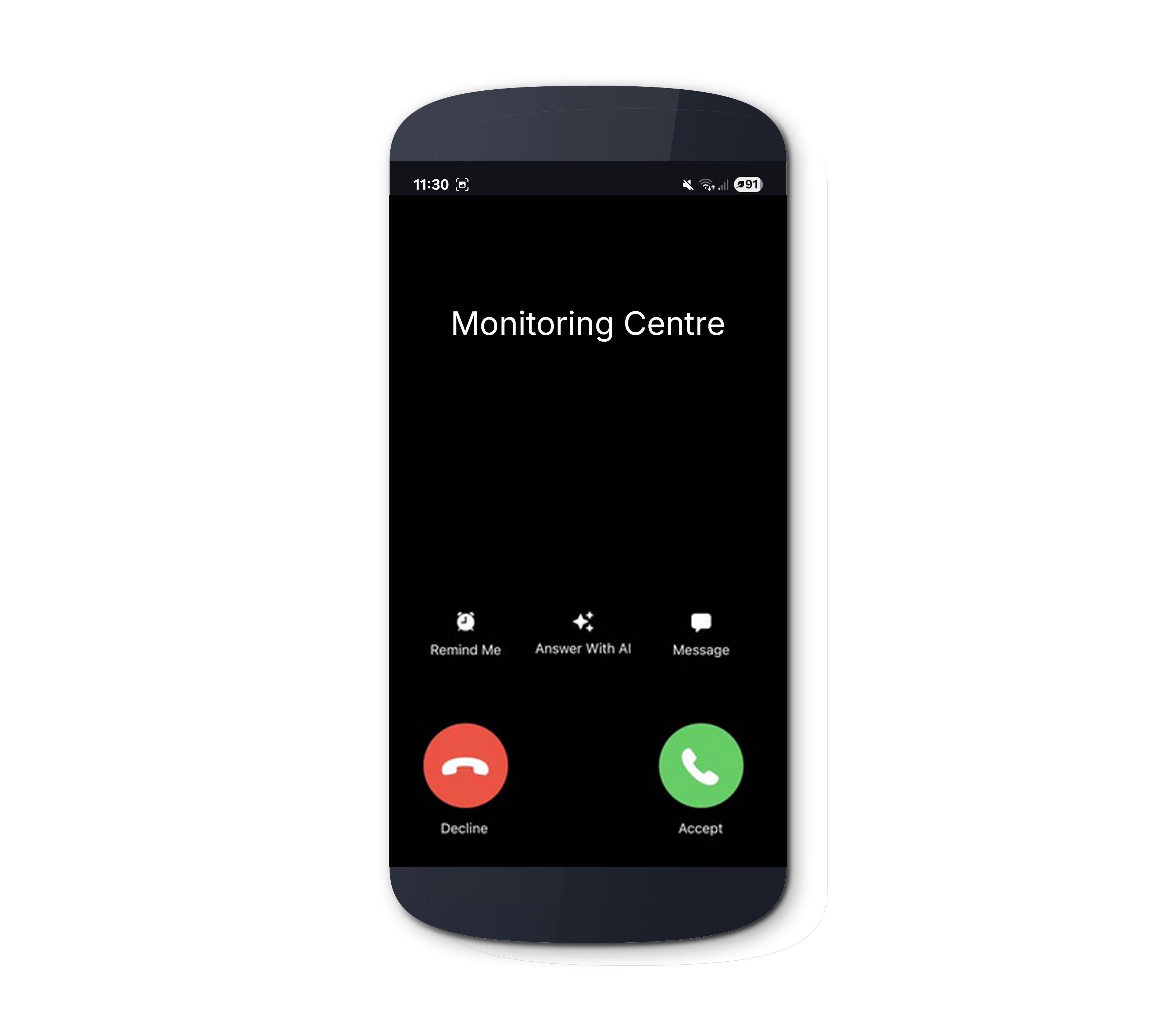
OaaS reaches out to the contact on their preferred channel — AI Voice call, IVR, chatbot, SMS, or email. If a contact doesn't answer, OaaS falls through to the next channel or contact automatically. Parallel engagement is supported for critical events.
Every engagement requires verification before alarm details are disclosed. Contacts must confirm a PIN or verification code. If a contact fails verification, OaaS treats the attempt as unanswered and advances to the next option.

Resolution Captured
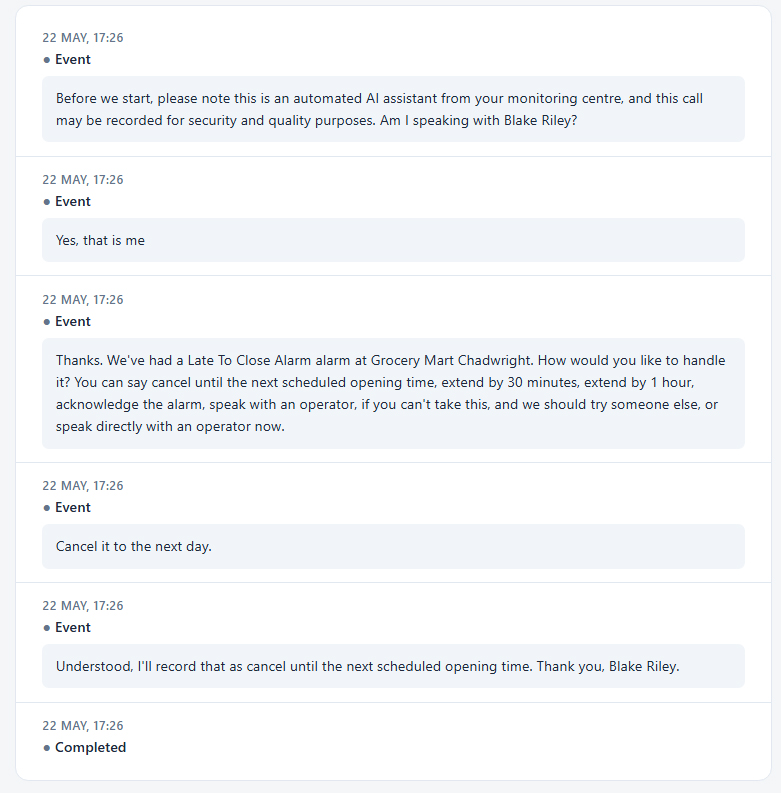
The contact responds through their Resolution Group — the set of options configured for that alarm type. They can acknowledge, confirm a false alarm, request a schedule change, or ask for an operator. OaaS only accepts responses that map to a configured option — the AI will politely refuse anything off-list and re-state the choices.
On AI Voice and IVR, if a contact asks to speak to an operator, OaaS can bridge the live call directly to your configured callback number. The operator receives a private whisper — contact name, number, and alarm type — before being joined.
CMS Updated
OaaS completes the activation and writes everything back to your CMS — response notes, engagement links, transcripts, and schedule changes. Your operators see the full timeline inside their existing tools without switching systems.
If a schedule change was authorised (LTC extension, OOH cancellation, early open), OaaS applies it directly to the CMS schedule via API. If the change can't be applied, OaaS escalates to an operator with a clear explanation — the contact's intent is never lost.
